




Choosing web hosting is an important decision for any business website. The right hosting environment helps your website load quickly, remain accessible, and operate securely. The wrong choice can lead to slow performance, frequent downtime, unexpected costs, and technical problems.
With so many hosting providers offering different packages and features, it can be difficult to know which option is suitable.
This guide explains the main types of web hosting, what to look for when comparing providers, and how to choose a hosting solution that meets your website’s actual requirements.
Why Web Hosting Matters
Web hosting is where your website’s files, databases, and applications are stored and made accessible to visitors.
Although website design and development are important, even a well-built website can perform poorly when its hosting environment is unsuitable.
Your hosting choice can affect:
- Website speed: Slow server response times can make pages take longer to load.
- Reliability: Server outages can make your website temporarily unavailable.
- Security: Poor server configuration or outdated software can increase security risks.
- Scalability: Your hosting should be able to accommodate growing traffic and additional functionality.
- Maintenance: Some hosting environments require more technical management than others.
- Operating costs: The cheapest initial package is not always the most economical long-term solution
A reliable hosting environment provides a foundation for your website, but hosting alone does not guarantee good performance or security. Website development, optimization, and regular maintenance are equally important.
Understand Your Website Requirements
Before comparing hosting providers, consider how your website will be used.
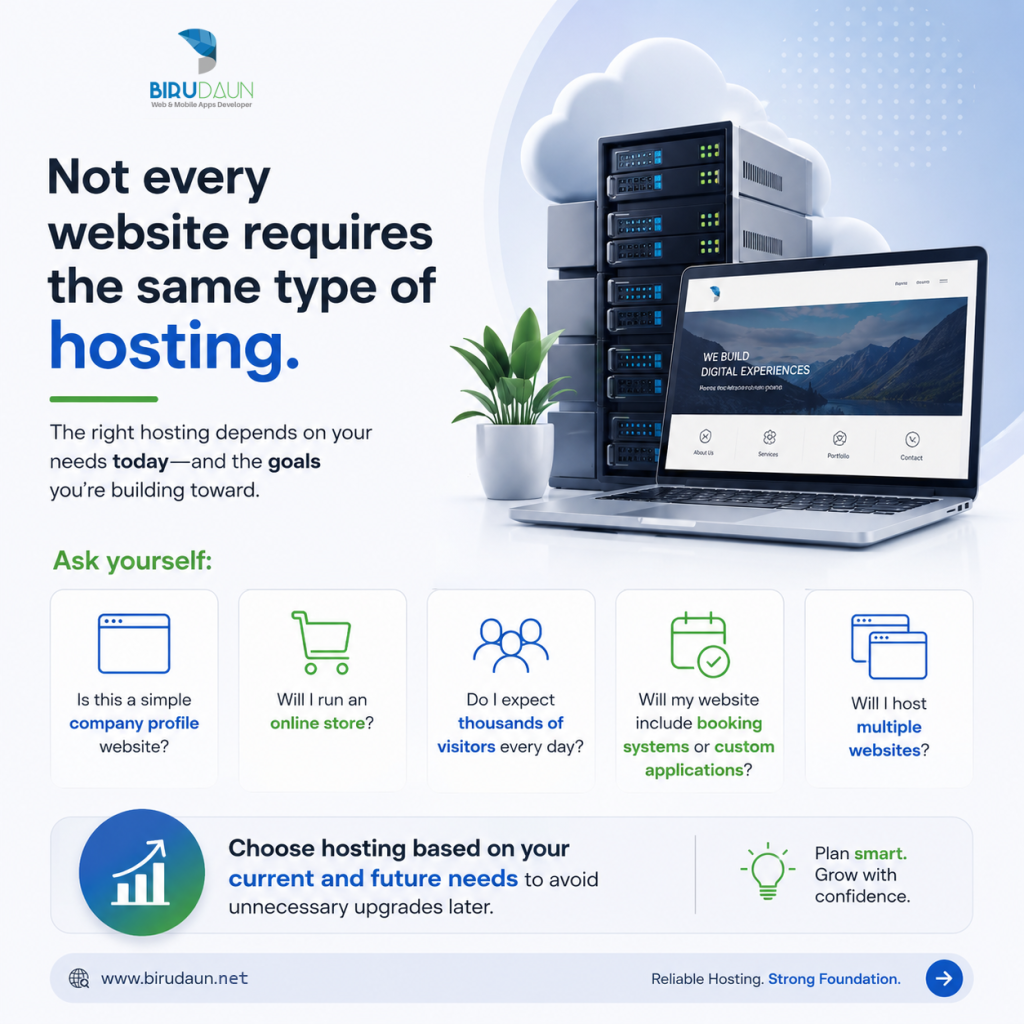
A simple company profile website has different requirements from an online store, booking platform, or custom web application.
Ask yourself:
- Is this a simple company profile website?
- Will I run an online store?
- Do I expect thousands of visitors every day?
- Will my website include booking systems or custom applications?
- Will I host multiple websites?
Choosing hosting based on your current and future needs prevents unnecessary upgrades later.
Understanding the Different Types of Web Hosting
Shared Hosting
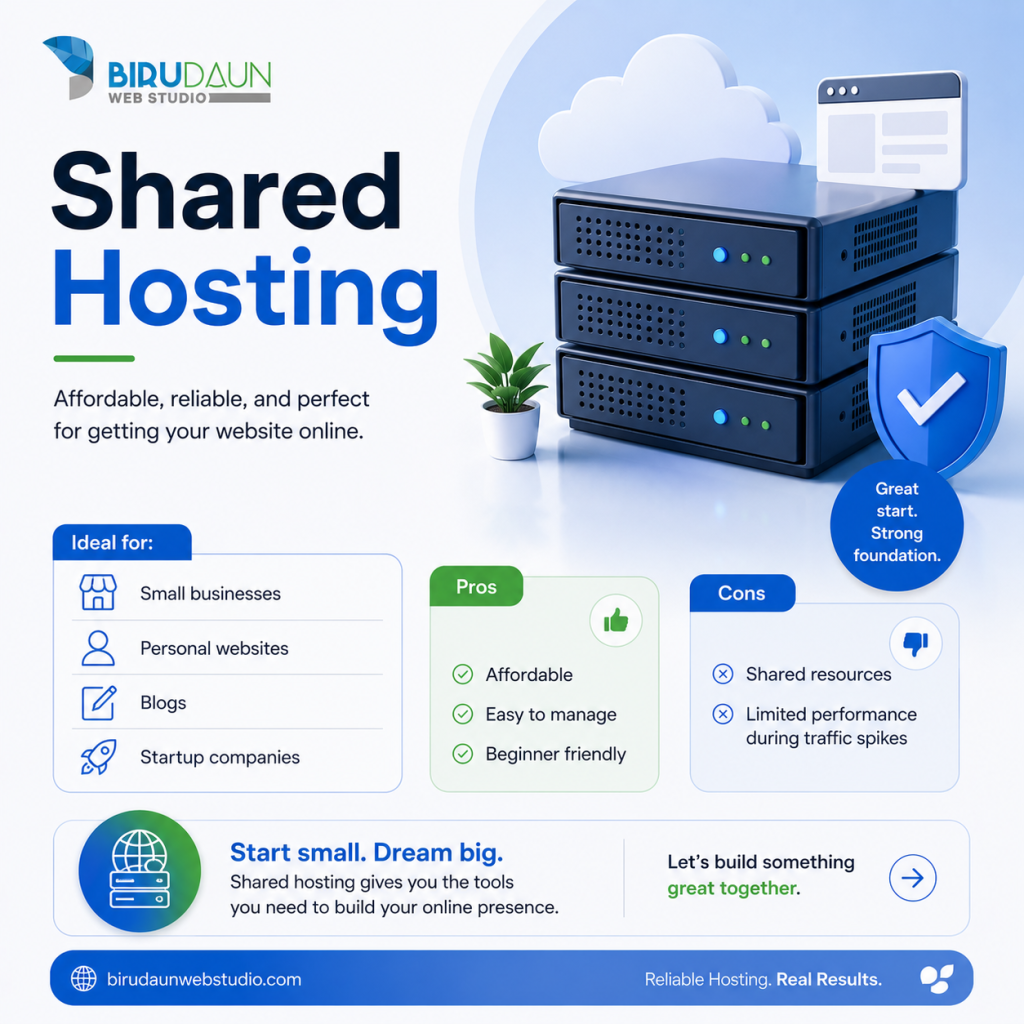
Shared hosting places multiple websites on the same server, where they share computing resources.
It is generally affordable and easy to manage, making it a common starting point for smaller websites.
Suitable for: Small business websites, portfolios, blogs, and simple WordPress websites.
Advantages:
- Lower monthly costs
- Simple control panels
- Limited server administration required
Limitations:
- Shared resources may affect performance
- Less control over server configuration
- Resource restrictions may become an issue as the website grows
Shared hosting can be a good solution when the provider manages resources effectively and the website is properly optimized.
VPS Hosting
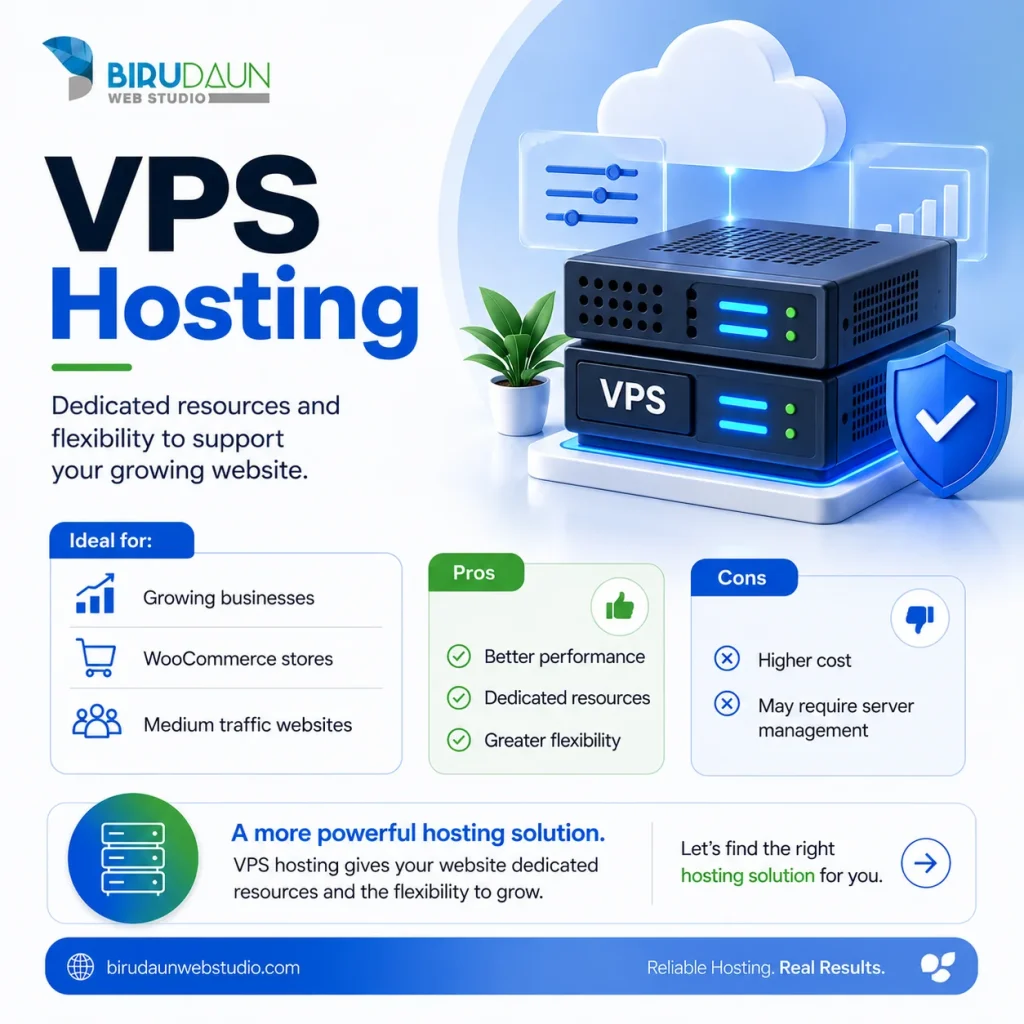
A VPS divides a physical server into separate virtual environments with allocated resources.
Compared with typical shared hosting, a VPS generally provides greater control over server settings and resource allocation.
Suitable for: Growing business websites, WooCommerce stores, and applications requiring more flexibility.
Advantages:
- Greater configuration control
- More predictable resource allocation
- Flexible software and server settings
Limitations:
- Higher costs than basic shared hosting
- May require server administration
- Security and maintenance responsibilities depend on the plan
A VPS is not automatically faster or more secure. Performance depends on the server resources, infrastructure, configuration, and ongoing management.
Cloud Hosting
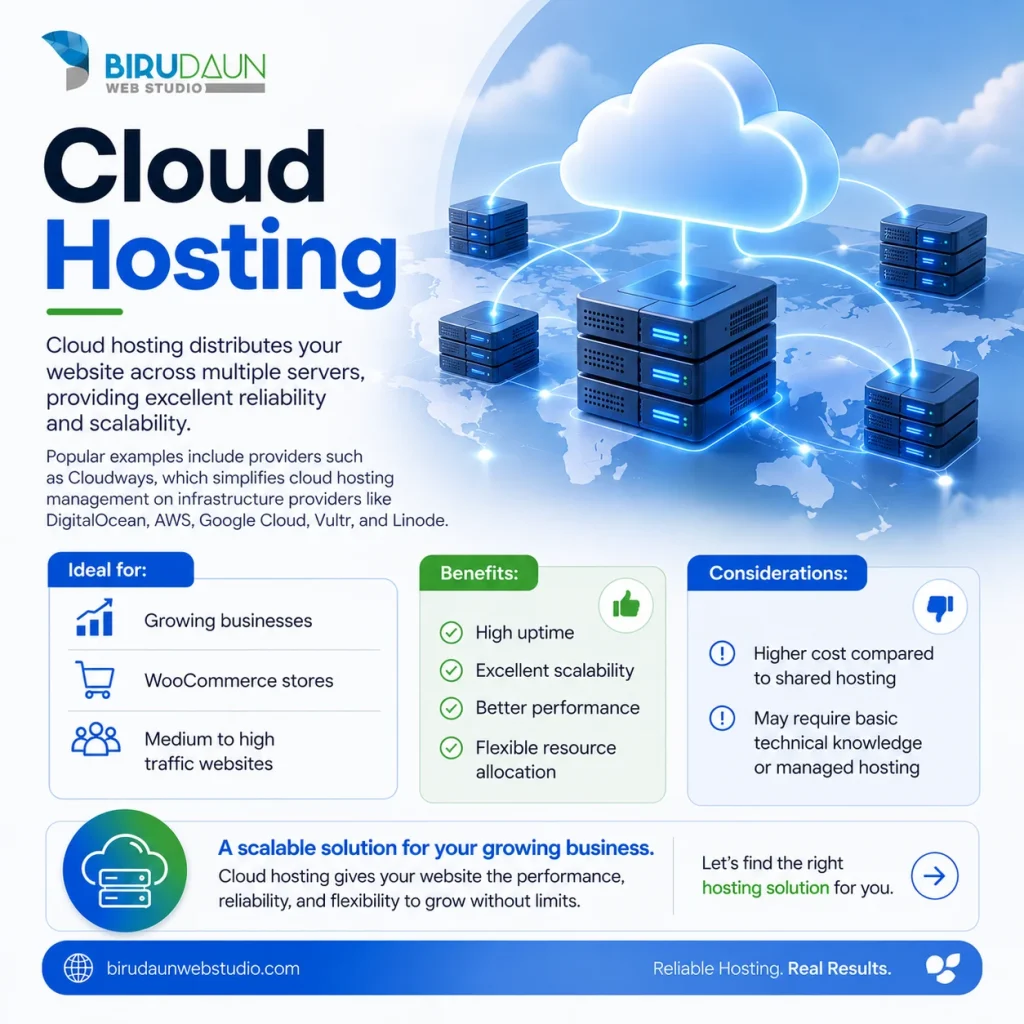
Cloud hosting uses cloud infrastructure to run websites and applications. Depending on the provider and configuration, resources may be allocated from a broader infrastructure rather than a single traditional hosting server.
Cloud hosting is often chosen for its flexibility and ability to adjust resources.
Suitable for: Business websites, online stores, growing platforms, and custom applications.
Advantages:
- Flexible resource allocation
- Options for scaling as requirements change
- Different infrastructure and deployment configurations
Limitations:
- Pricing can be more complex
- Technical management requirements vary
- High availability and redundancy are not guaranteed by every cloud plan
Cloud hosting should be evaluated based on its actual architecture and management features, not simply the word “cloud” in the product name.

Dedicated Server
Dedicated hosting provides an entire physical server for one customer.
This offers substantial control over hardware resources and server configuration.
Suitable for: Resource-intensive applications, specialized infrastructure requirements, and organizations requiring dedicated hardware.
Advantages:
- Exclusive use of physical server resources
- Extensive configuration control
- Suitable for specific performance or compliance requirements
Limitations:
- Higher operating costs
- Greater administration responsibility
- Hardware maintenance and redundancy depend on the service agreement
Dedicated hosting is not necessarily the best choice for a typical business website. In many cases, a managed VPS or cloud solution provides sufficient performance with less complexity.
Managed vs Unmanaged Hosting: What's the Difference?
Beyond the hosting infrastructure itself, it is important to understand who is responsible for maintaining the server.
Our recommendation: Choose a hosting environment based on both your website requirements and your ability to maintain it. A lower hosting fee may not represent a saving if significant technical administration is required.
Managed Hosting
Managed hosting generally includes some level of technical administration by the hosting provider.
Depending on the service, this may include server updates, security monitoring, backups, performance management, and technical support.
Managed WordPress hosting may also provide WordPress-specific caching, staging environments, and maintenance tools.
However, managed hosting does not always include website content updates, plugin troubleshooting, malware cleanup, or application-level maintenance.
Always check what is included.
Unmanaged Hosting
With unmanaged hosting, the customer or their technical team is responsible for most server administration tasks.
This can provide greater flexibility but also requires technical knowledge.
For businesses without in-house server expertise, unmanaged hosting may create unnecessary operational risks.
7 Essential Factors to Compare Before Choosing Hosting
1. Website Speed and Server Performance
Server response time affects how quickly a website can begin delivering content.
When comparing hosting providers, consider:
- CPU and memory resources
- Server technology and caching
- Storage performance
- PHP and database support
- Server location
- Resource limitations
Website speed also depends on image optimization, caching, code quality, plugins, and external services.
Upgrading hosting may improve performance, but it will not necessarily fix an inefficient website.
2. Uptime and Reliability
Uptime refers to the percentage of time a website or hosting service remains available.
Many providers advertise uptime guarantees such as 99.9%.
For perspective, 99.9% uptime allows approximately 43 minutes and 50 seconds of downtime over a 30-day month.
When evaluating uptime guarantees, check what the service-level agreement covers, whether scheduled maintenance is excluded, and what compensation is offered for outages.
A provider’s advertised guarantee should not be treated as proof of actual reliability.
3. Security Features
Security should be a priority, particularly for websites that process customer information, payments, or account registrations.
Look for features such as:
- SSL/TLS certificate support
- Firewalls and network protection
- Malware detection and monitoring
- Account isolation
- Secure access controls
- Supported software versions
- Backup and recovery options
Remember that server security and website security are related but separate responsibilities.
A secure hosting environment cannot fully protect a WordPress website that uses vulnerable plugins, weak passwords, or outdated software.
4. Backups and Recovery
Backups are essential for recovering from accidental changes, failed updates, security incidents, or data loss.
Before choosing hosting, ask:
- How frequently are backups created?
- How long are backups retained?
- Are backups stored separately from the production server?
- Can individual files or databases be restored?
- Is restoration included in the hosting plan?
- How quickly can the website be recovered?
For websites that process frequent bookings, orders, or customer records, daily backups may not be sufficient.
A reliable backup strategy should match how often important data changes.
Backups should also be tested periodically to confirm they can be restored successfully.
5. Technical Support
Good technical support becomes particularly important when a website experiences downtime or server-related problems.
Check the provider’s support channels, availability, response times, and scope of assistance.
Some hosting providers only support server infrastructure, while others offer more extensive WordPress-specific troubleshooting.
Understand the difference before purchasing.
6. Server Location and CDN
The geographic location of your server can influence network latency.
Where possible, choose a server region close to your primary audience, while also considering provider reliability and infrastructure quality.
For example, a website serving customers mainly in Indonesia may benefit from hosting in Indonesia or a nearby regional data centre.
A website targeting Australian customers may perform well using an Australian server location.
A Content Delivery Network (CDN) can improve delivery of static assets to visitors in different regions, but it does not eliminate every performance issue caused by distant or slow origin servers.
7. Pricing and Renewal Costs
Hosting providers often advertise introductory prices that increase significantly upon renewal.
Compare the total cost rather than focusing only on the first-year offer.
Consider:
- Initial subscription price
- Renewal price
- Domain registration and renewal
- Email hosting
- Backup and restoration fees
- SSL certificate costs, if applicable
- Server management
- Additional storage or resource charges
- Migration costs
A slightly more expensive hosting plan may offer better long-term value if it includes reliable support, backups, and essential management services.
Comparing Popular Hosting Providers
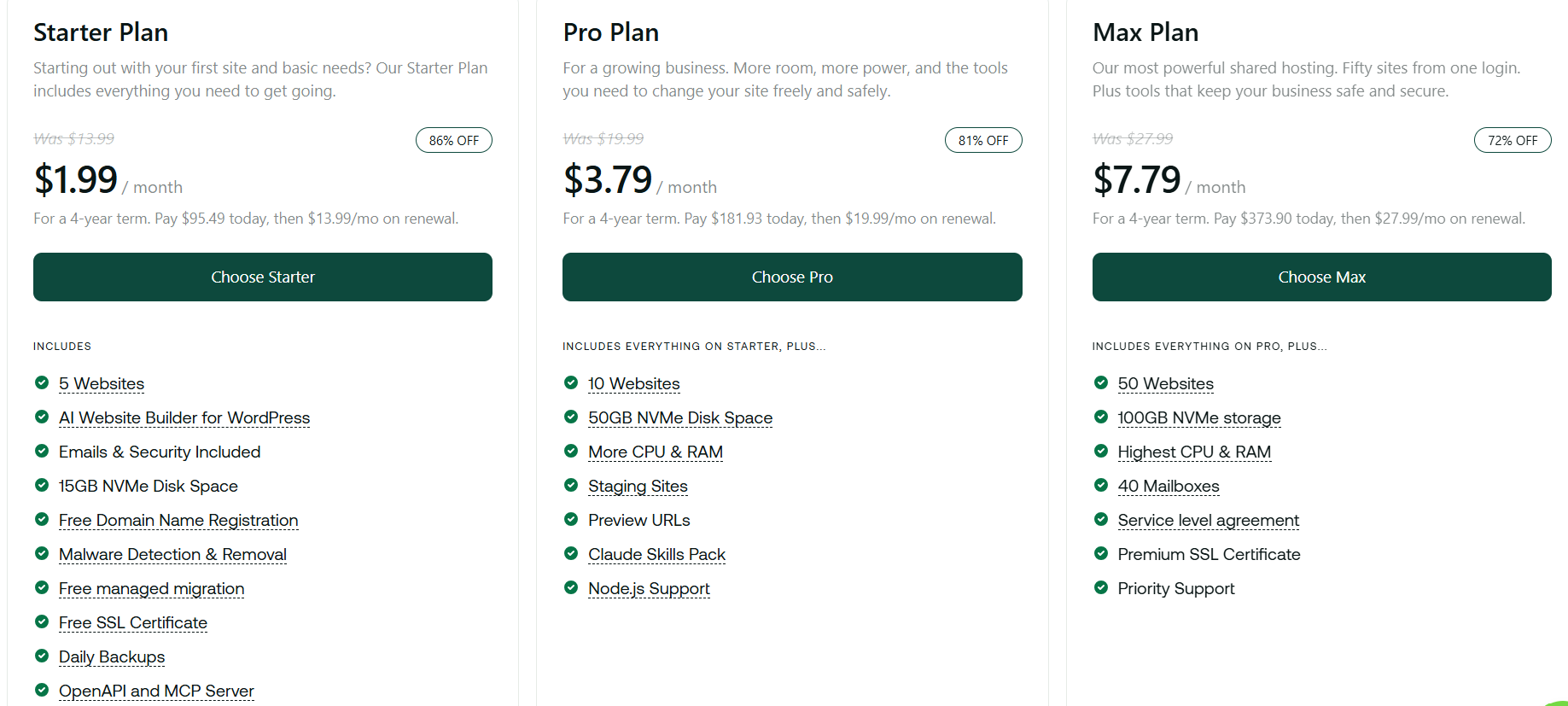
- Business websites
- WordPress hosting
- Small to medium businesses
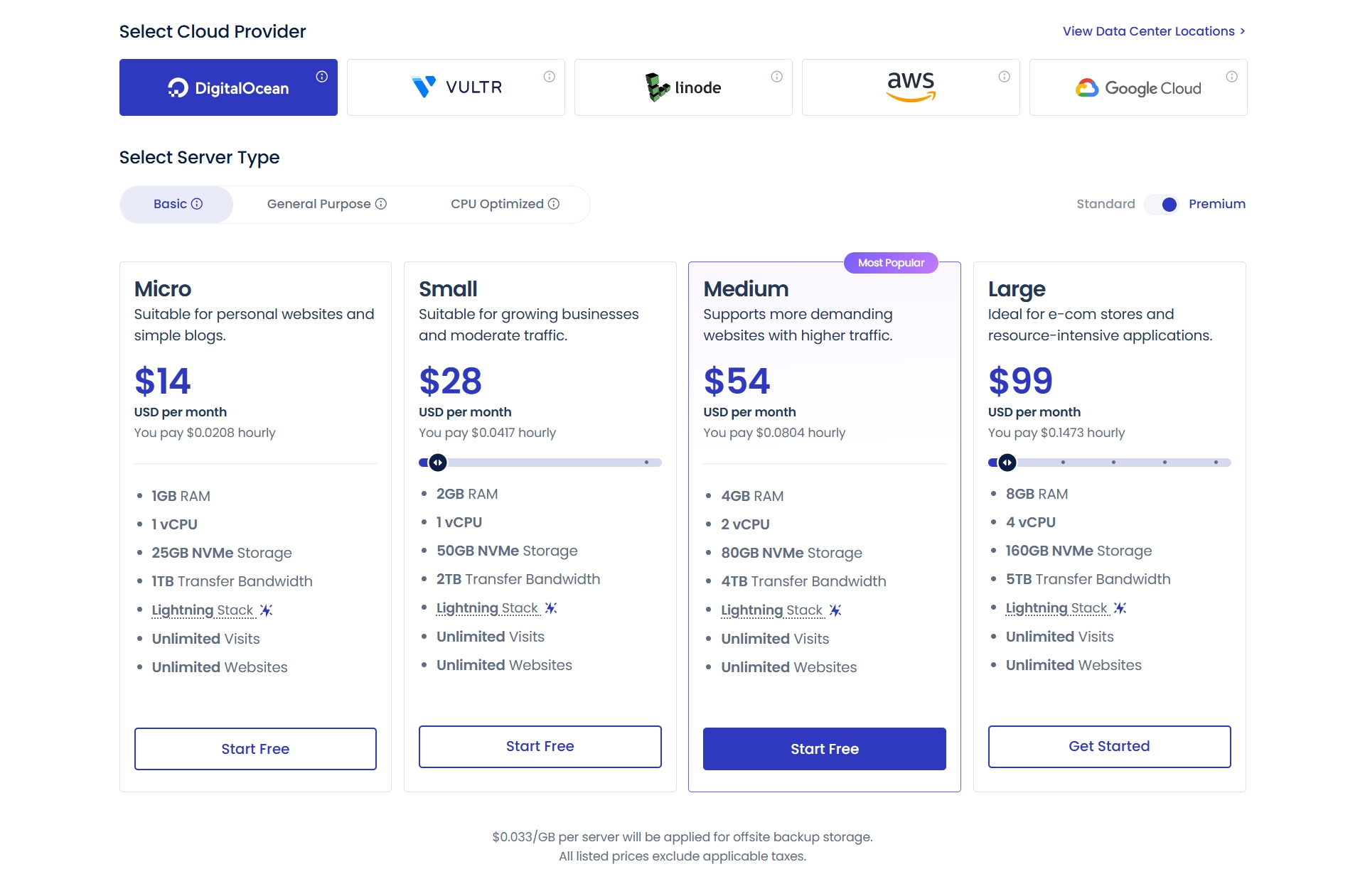 Cloudways is a managed cloud hosting platform that allows businesses to deploy websites on leading cloud providers without managing server infrastructure directly.Best for:
- WooCommerce
- Hotels and resorts
- Booking systems
- High-performance WordPress websites
- Growing businesses
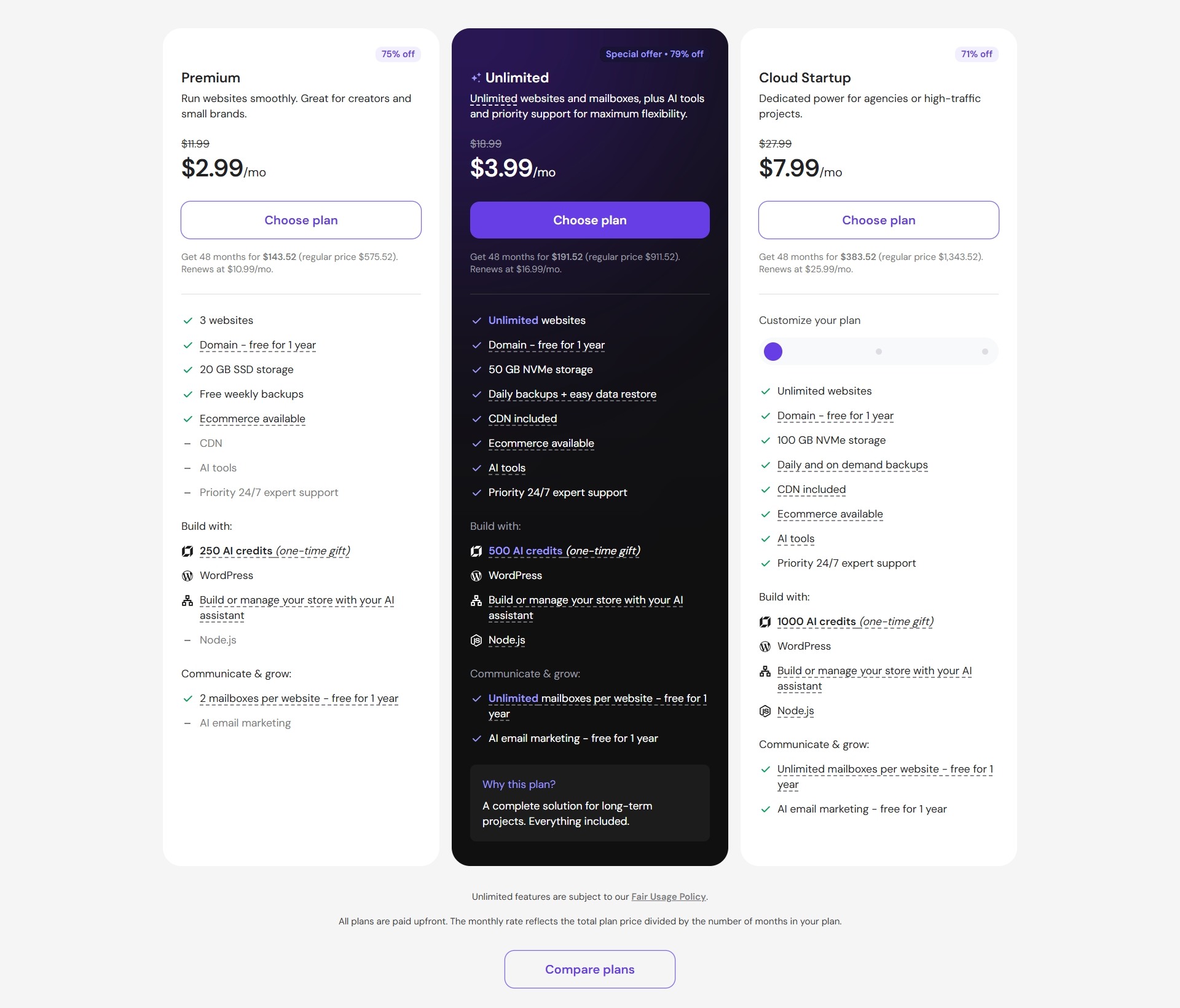
Depending on your location and requirements, you may also consider providers such as:
- Hostinger
- SiteGround
- Kinsta
- DigitalOcean
- AWS
- Google Cloud
Each offers different strengths in pricing, performance, scalability, and management.
Which Hosting Is Suitable for Your Website?
Here are some general starting points.
Website Type | Hosting to Consider |
|---|---|
Small company profile | Quality shared or managed WordPress hosting |
Hotel or villa website | Managed WordPress hosting or cloud VPS |
WooCommerce online store | Managed WooCommerce hosting or properly configured VPS |
Booking or membership website | Managed cloud or VPS with sufficient database and processing resources |
Custom web application | VPS or cloud infrastructure based on application architecture |
These are general recommendations rather than fixed rules.
A heavily visited company website may require more resources than a small online store. Similarly, a well-optimized WooCommerce website may operate effectively on a suitable managed hosting plan without needing a dedicated server.
Common Hosting Mistakes to Avoid
Choosing Based on Price Alone
Low-cost hosting can be suitable for smaller websites, but it is important to understand what is included.
A cheap plan with limited resources, inadequate support, or expensive renewal fees may cost more in the long run.
Paying for Resources You Don’t Need
Not every business website requires a dedicated server or high-performance VPS.
Start with realistic requirements and choose infrastructure that can be upgraded when necessary.
Ignoring Website Maintenance
Hosting and website maintenance are not the same service.
Your hosting provider may maintain the server, but WordPress, themes, plugins, and custom integrations still require attention.
Relying Only on Hosting Backups
Where practical, maintain independent backups outside the primary hosting environment.
This reduces dependency on a single provider if the hosting account becomes unavailable or compromised.
Overlooking Domain and Email Management
Your website, domain name, DNS, and business email may be managed by different providers.
Before changing hosting, identify where each service is managed to avoid unnecessary downtime or email disruption.
When Should You Consider Changing Hosting Providers?
You do not need to change hosting simply because another provider advertises better specifications.
However, migration may be worth considering when:
- Your website regularly experiences server-related downtime.
- Performance remains poor after appropriate website optimization.
- Your current plan cannot support required functionality.
- Technical support is consistently inadequate.
- Security or backup arrangements are insufficient.
- Hosting costs no longer reflect the service provided.
- Your business requires greater control or a different server configuration.
Before migrating, investigate the actual cause of the problem.
Slow performance, for example, may be caused by oversized images, inefficient database queries, excessive plugins, or third-party scripts rather than the hosting server.
Moving an existing website without addressing these problems may produce little improvement.
Before Migrating Your Website
Website migration should be planned carefully, especially when the website is connected to business email, online payments, booking systems, or external applications.
A typical migration process includes:
- Reviewing the current website and hosting environment.
- Confirming access to hosting, domain, DNS, and related services.
- Creating and verifying complete backups.
- Preparing the new hosting environment.
- Transferring website files and databases.
- Testing website functionality before changing DNS.
- Updating DNS records and checking SSL configuration.
- Monitoring the website after migration.
- Confirming email delivery, forms, payments, and integrations continue working.
For business-critical websites, a migration plan should also consider rollback procedures and how to handle data changes during the transition.
How BiruDaun Web Studio Can Help
At BiruDaun Web Studio, we work with businesses to develop, maintain, and improve their websites.
We understand that choosing hosting is not simply about finding the lowest price or the largest server package. It is about selecting an environment that supports the website’s functionality, performance requirements, and ongoing maintenance.
Our technical services include:
- Hosting assessment: Reviewing existing hosting arrangements and identifying potential limitations.
- Hosting recommendations: Helping select an appropriate environment based on website requirements.
- Website migration: Assisting with the transfer of website files, databases, and configuration.
- Website troubleshooting: Investigating performance, compatibility, and technical issues.
- WordPress maintenance: Managing website updates and routine technical maintenance under an agreed service scope.
- Ongoing development: Improving website functionality as business requirements change.
We can work with different hosting providers depending on the technical requirements of each project.
Our objective is to help businesses maintain websites that are practical to operate, reliable, and suitable for their needs.
Final Thoughts
Good web hosting is an important part of a reliable website, but it is only one part of the overall system.
Website performance, security, and stability also depend on proper development, configuration, updates, monitoring, and maintenance.
Before selecting a hosting provider, take time to understand your website’s requirements, compare the services included, and consider the long-term costs.
The best hosting solution is not necessarily the most expensive or the one with the most features. It is the one that meets your actual requirements and can be managed reliably.
Need Help With Your Website Hosting?
Whether you are planning a new website, experiencing hosting problems, or considering a migration, BiruDaun Web Studio can help you assess the available options.
Contact BiruDaun Web Studio to discuss your website requirements.